
Invoices & tax ID (NPWP)
Terakhir diperbarui
A PDF invoice is emailed to you every time a payment is completed. All invoices are also kept in the account menu → Plan & billing → Invoice history.
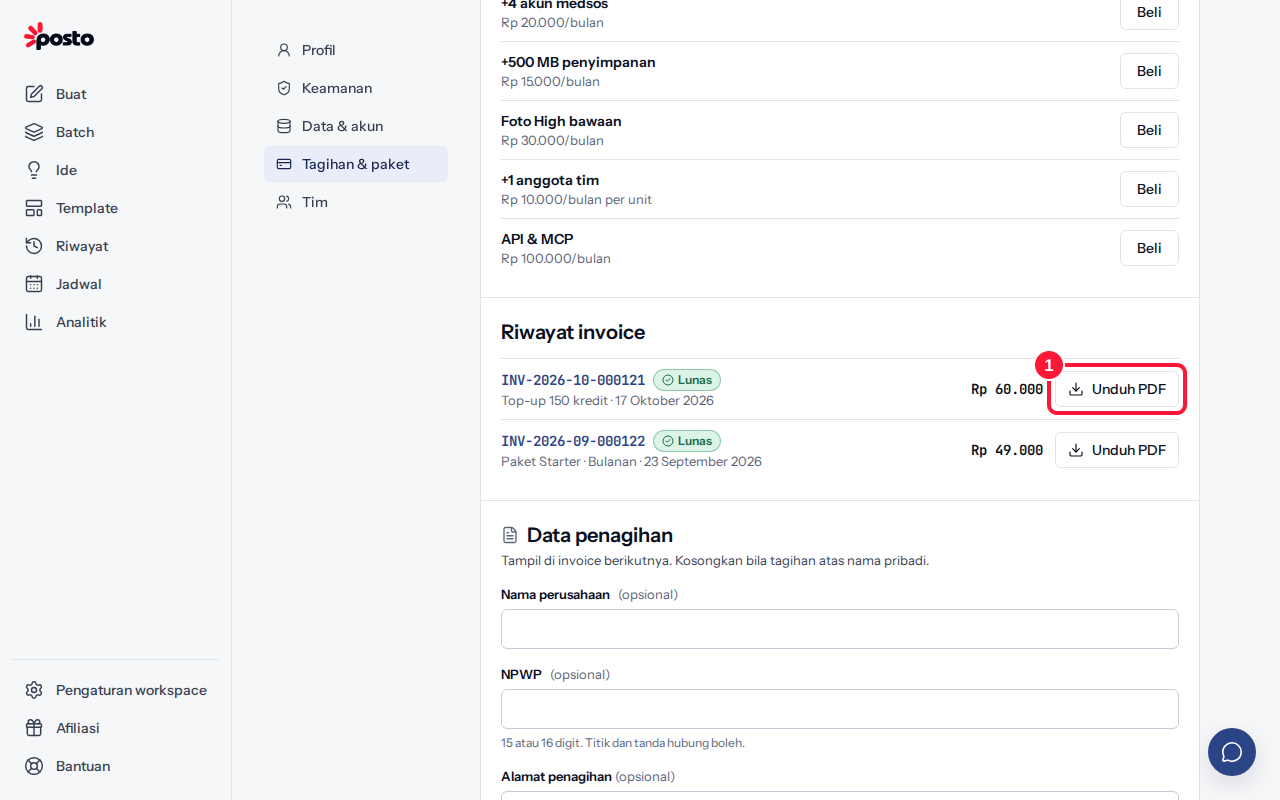
Download an invoice
- Open the account menu → Plan & billing and scroll to Invoice history.
- Click Download PDF on the invoice row. Click the invoice number to see its details on screen.
Invoice history is only visible to the workspace owner and admins.
Add a company name & tax ID (NPWP)
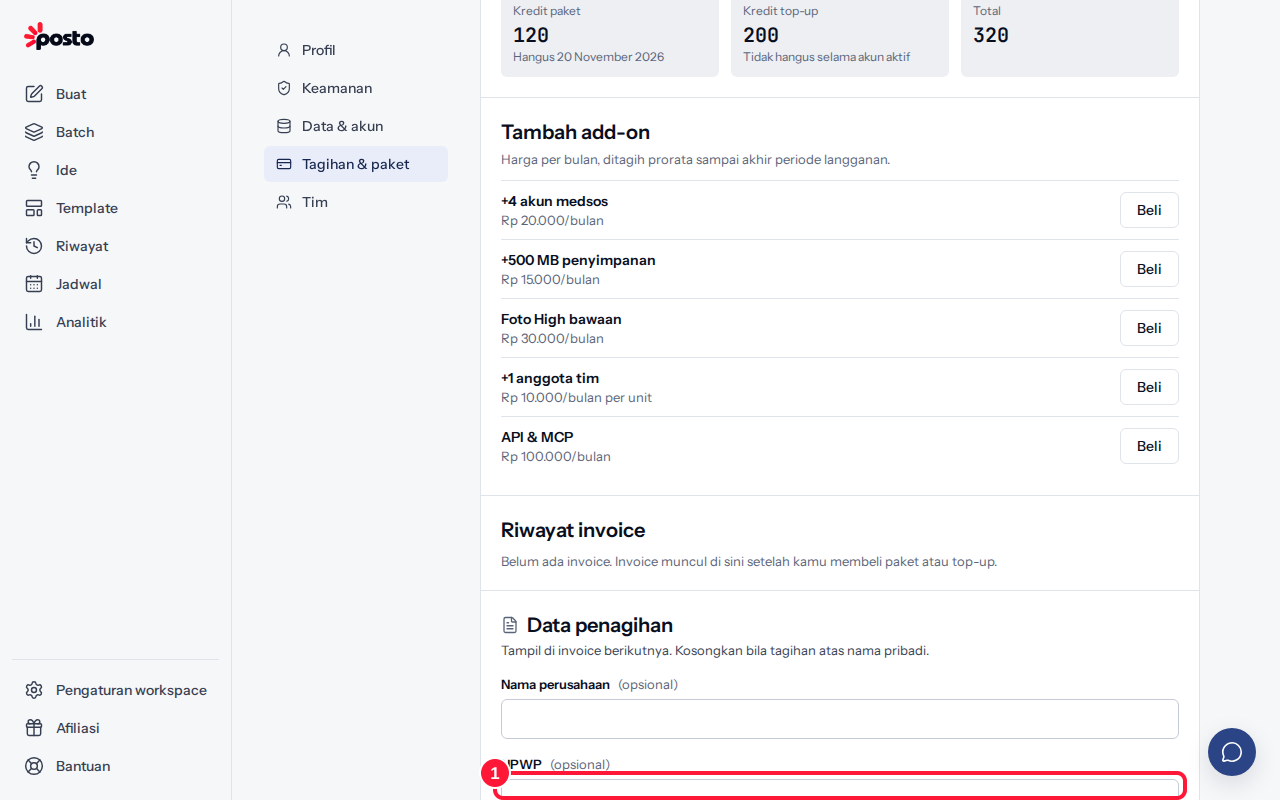
- In Billing details, fill in Company name, Tax ID (NPWP) (15 or 16 digits; dots and dashes are fine), and Billing address. All fields are optional — leave them empty if you're billed as an individual.
- Click Save billing details.
These details appear on your next invoices. Invoices already issued don't change. Only the workspace owner can change billing details.
Is this invoice a tax invoice?
No. A Posto invoice is proof of payment, not a tax invoice (faktur pajak). If Indonesian VAT (PPN) applies, the tax base (DPP) and PPN breakdown appears on the invoice.
Still stuck? Contact [email protected].
Apakah artikel ini membantu?
Artikel terkait
Belum ketemu jawabannya?
Tim support siap membantu. Sebutkan judul carousel atau jam kejadian supaya kami cepat menemukannya.